Field to Office Sync: How Contractors Keep Jobs and Invoices Aligned
Field to Office Sync: How Contractors Keep Jobs and Invoices Aligned
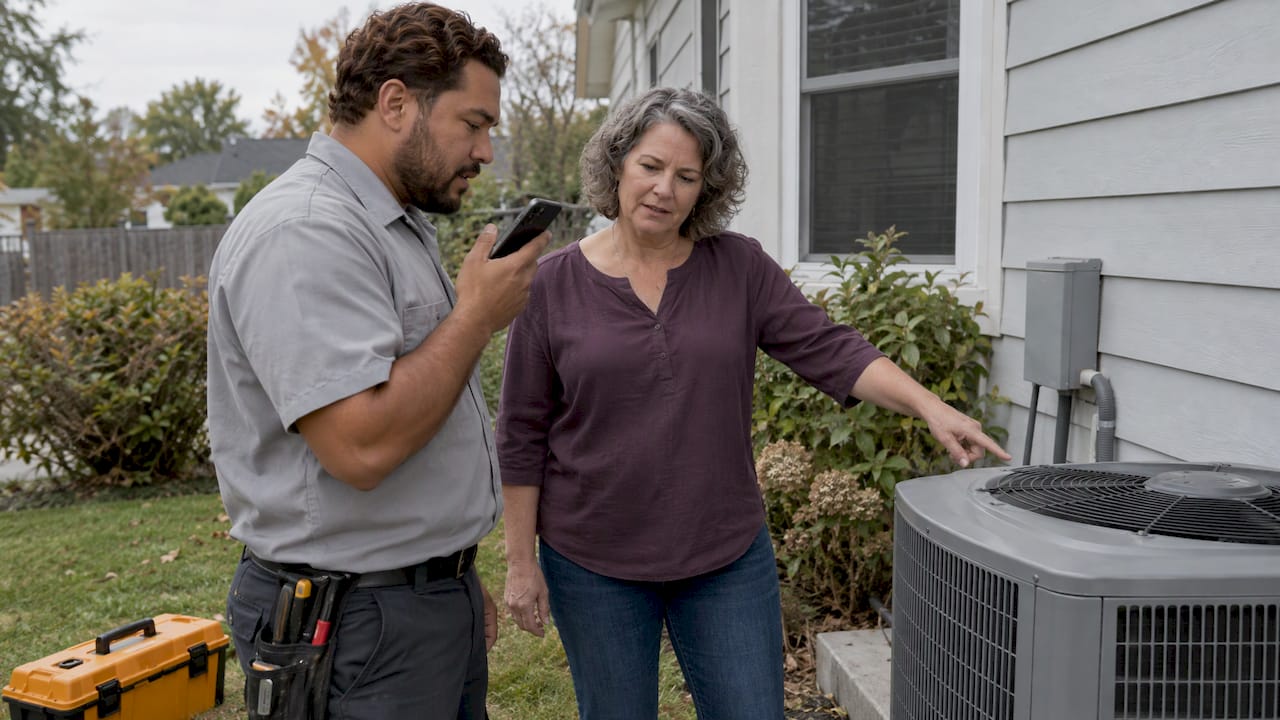
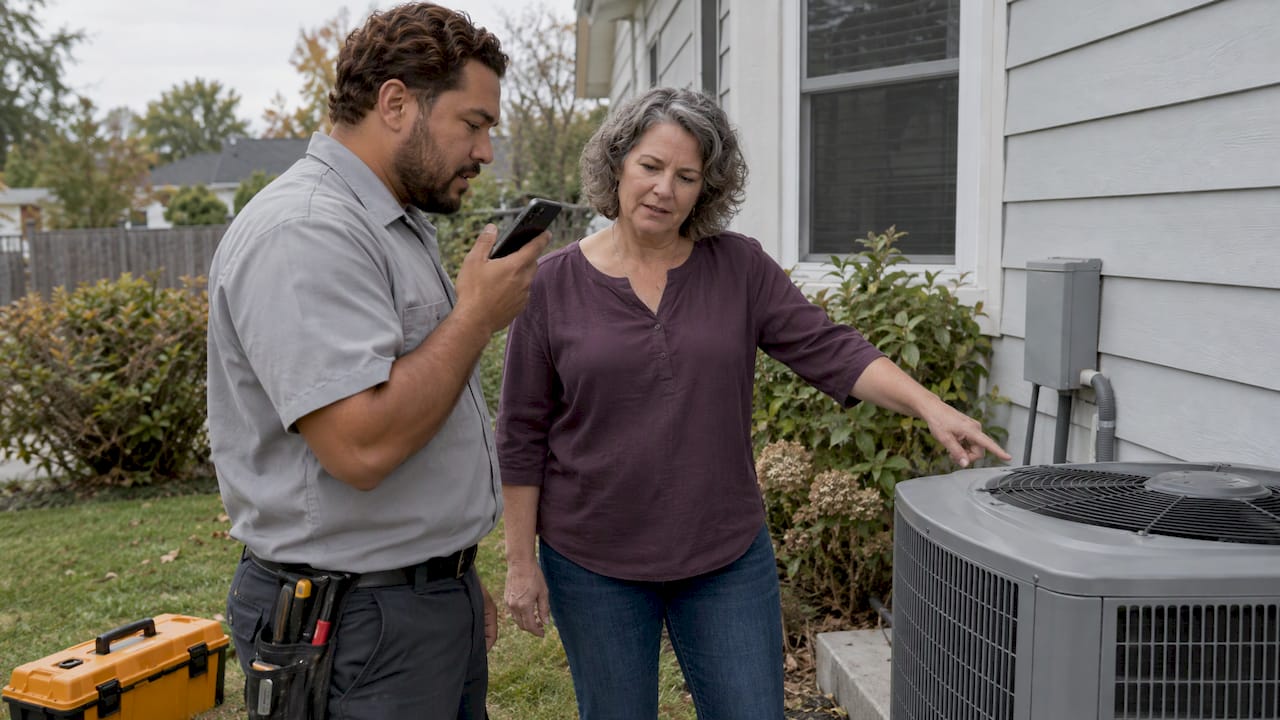
Field to office sync means that what happens on the job site (what the customer approved, what materials went in, what changed) reaches the paperwork before it gets forgotten. For a small contractor, the fix is not another app to type into at night. It is capturing the job by voice and photo while you are standing at it, so the quote, the record and the invoice are built from the same source. That is how we built Hechito: you talk and snap, and the documents follow.
This guide explains what field-to-office sync is, which details the office actually needs, how to set up a routine that holds, and how to tell whether it is working.
HechitoKeep Job Details and Invoices AlignedHechito captures conversations and job details through voice and images, turning them into organized records from quoting through invoicing.VisitTL;DR
- Field-to-office sync is the habit of getting real job-site facts into the office records, quotes and invoices while they are still fresh, not at the end of the day.
- The three details that cost contractors the most when lost: what the customer approved, what material was used, and what was recommended as follow-up work.
- Capture at the job, in the moment. Voice notes and photos are faster and more complete than memory and a notebook.
- Sync on a rhythm, and lock a change order only once it is approved, so billing never runs ahead of the paperwork.
- Measure the before and after: hours spent on admin, days from job done to invoice sent, and invoices disputed.
Table of Contents
- What field-to-office sync actually means
- The three things the office needs from every job
- Where field-to-office sync breaks down
- A field-to-office workflow you can set up this week
- Keeping change orders, progress billing and invoices aligned
- How often should you sync?
- How to tell whether it is working
- Why we built Hechito for this
- Put it to work with a crew, not a subscription
- FAQ
- Sources
What field-to-office sync actually means
In a big company, “the field” is the crew and “the office” is the project managers, accountants and estimators. In a small shop, they are often the same person at two different times of day: you on the job from seven to four, then you at the kitchen table with a pile of receipts and a phone full of photos.
The problem is the same at any size. The Associated Builders and Contractors’ Field Tech Report describes a chronic disconnect between real-time jobsite activity and office decision-making, an information asymmetry that affects productivity, cost control, schedule compliance and profitability. Its answer is to use mobile networks, cloud computing and shared software so the office works from current, complete and consistent data. The same report notes that 64% of respondents had actively improved how they gather and analyze field data over the previous three years.
For a one-to-twenty-person trade business, that translates into plain questions:
- When the customer says “yes, go ahead and add the second outlet,” where does that sentence end up?
- When you use eleven fittings and a length of copper, does that get billed?
- When you spot a failing water heater while fixing the faucet, does it become a quote, or does it vanish?
If the answer is “in my head until tonight,” your sync is a memory test. Most of what goes wrong with invoicing starts there.
The three things the office needs from every job
You do not need a long form. You need a few facts, captured reliably. For each completed job, the office side of your business needs:
- What the customer approved. The invoice has to match what was agreed. If a customer approved extra work verbally, that approval is only worth something if it is written down with a date and the amount.
- What was used. Materials and parts that never reach the invoice come straight out of your margin. They also tell you what to restock.
- What you recommended. Follow-up work is the cheapest work to win, because the customer already trusts you. If it is not recorded, it is not quoted.
Add to that the basics: who, where, when, hours worked, and photos of the before, during and after. Our post on daily construction logs covers seven fields that also hold up for payroll and claims, and our guide to construction photo documentation covers what photos to take and why.
Why customer conversations count as job data
The most expensive information on a job is often spoken, not written. A homeowner changes the tile, a general contractor waves off a delay, a property manager approves a callout by phone. When that stays verbal, you have no record when the invoice is questioned. Keeping a simple log of what was said and decided protects you; we explain what to record in client communication logs for contractors.
Where field-to-office sync breaks down
Most failures look ordinary, which is why they persist.
- Batching at night. Notes written five hours later lose detail. Quantities get rounded, small extras get forgotten.
- Photos with no context. A camera roll of 300 images is not a record. A photo only helps when it is tied to a job and a note about what it shows.
- Receipts in a glovebox. Material bought for Tuesday’s job shows up in a Friday pile with no job name on it. See our job-based receipt system.
- Change orders that live in text messages. The scope changes, the price does not, and the invoice matches the original quote.
- Two languages, one paper trail. If your crew or customers speak Spanish and your paperwork must be in English, something gets lost in the translation step. Bilingual operation matters here: with Hechito, you can speak English, Spanish or both, and the documents are generated in the language the customer needs.
None of these is about effort. They are about doing paperwork at a different time and place than the work.
A field-to-office workflow you can set up this week
Here is the routine, step by step, with where each step usually fails and what we do about it.
Step 1: Decide what every job must capture
Write a short list: customer and address, scope as approved, materials used, photos, recommended follow-up, and any change. Keep it to what you would need if the customer disputed the bill. A list longer than ten lines will not survive a busy week.
Where it goes wrong: people design a form for the office and expect the field to fill it in with greasy hands. With Hechito, you do not fill in a form. You speak the details and take photos, and the job record is organized from them.
Step 2: Capture at the job, not after
Speak the note while the work is in front of you: “Replaced the shutoff valve, added two feet of half-inch copper, customer approved a new hose bib for another $85.” Take the photo right then.
Where it goes wrong: typing on a phone with gloves on. Voice avoids that. Hechito captures customer conversations and job details in real time through voice and images, so you do not need to retype notes later.
Step 3: Turn the capture into a quote or invoice immediately
The shorter the gap between “work done” and “invoice sent,” the faster you are paid. Our estimate to invoice workflow breaks this into seven steps. The key idea is that the estimate, the approved changes and the final invoice should be one chain of records, not three separate documents typed from scratch.
Where it goes wrong: retyping. Every time you copy numbers by hand, you introduce errors. Hechito sends estimates and invoices from what you captured, and chases payments after.
Step 4: Handle receipts and the bank match as you go
Photograph the receipt at the counter and tie it to the job. At month end, the bank feed should match to jobs, not to a pile. Hechito manages receipts and bank reconciliation, so material costs land on the right job. If you want the thinking behind it, our guide on job costing for contractors shows how field data supports work-in-progress reporting.
Step 5: Review on a set rhythm
Pick a regular time, weekly for most small shops, to scan open jobs: what is done but not invoiced, what is invoiced but unpaid, what changes are pending. On a one-person operation this is fifteen minutes on Friday. In a crew, it is a short call between the lead and whoever runs the books.
Keeping change orders, progress billing and invoices aligned
A change order is a written agreement to change the scope and price of a job. It is where field and office most often drift apart, because the crew acts on a verbal go-ahead and the office bills from the original contract.
A useful way to think about it is as a lifecycle: a change is identified, drafted, submitted, approved, billed and paid. One construction billing integration checklist suggests locking the billable value only at approval, and notes that scheduled hourly or daily syncs often suit construction better than instant syncing, which can create noise when approvals are incomplete.
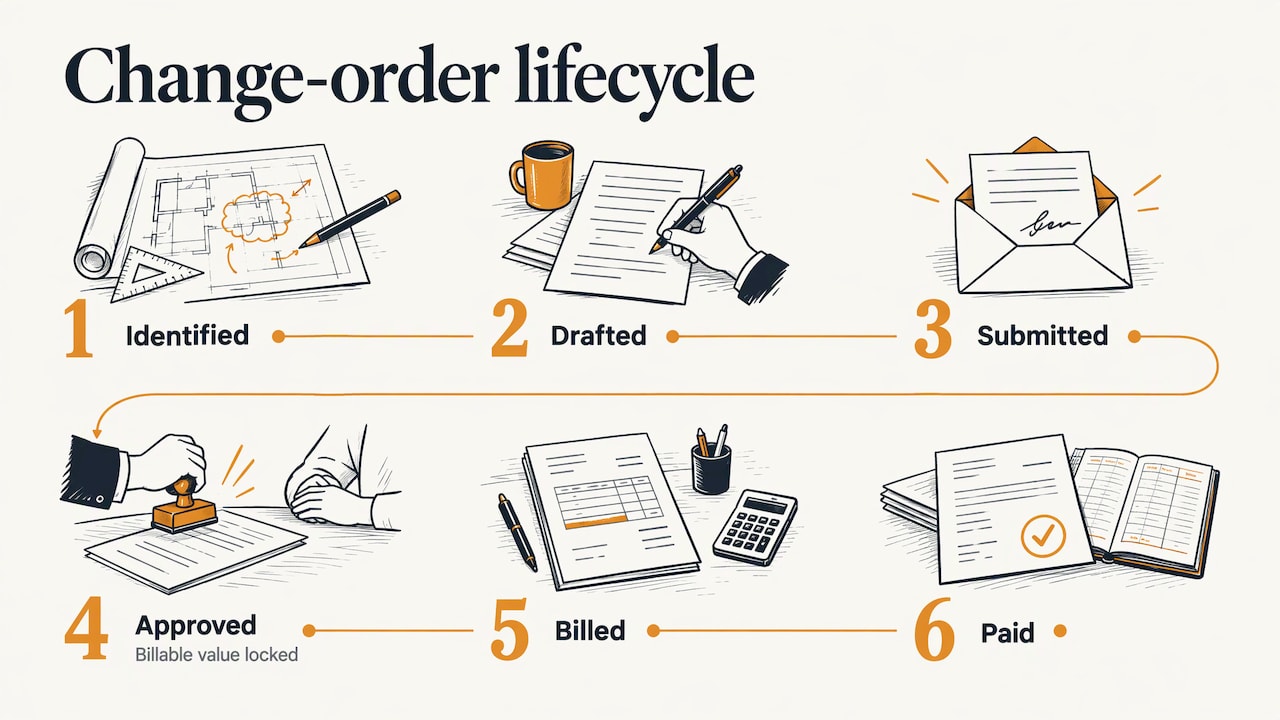
The practical rule for a small contractor: do not invoice an extra until you have the customer’s approval recorded, and do invoice it the same week once you do. If you handle larger jobs with multiple documents, tools for invoice data capture and billing automation show how change orders can be traced from identification through approval to payment.
For jobs billed in stages, field photos are what justify each draw. Our post on progress billing with field photos shows how to keep cash moving when the work is only partly complete.
How often should you sync?
The right rhythm depends on job length and who is involved.
| Situation | Capture | Office review |
|---|---|---|
| Same-day service calls | At the job, every job | End of week for unpaid invoices |
| Multi-day remodel | At the job, every day | Weekly, before progress billing |
| Long project with a crew | Daily by the crew lead | Weekly check-in plus a deeper monthly review |
| Change orders | At the moment of the request | Same day, then lock on approval |
Capture should be continuous, because that is cheap when it is a voice note. Review can be scheduled, because that is where decisions happen. The common mistake is the reverse: capturing late and reviewing constantly.
On responsibility, name one person for each job. On a crew, the lead captures; whoever sends invoices follows up. In a solo business, that is you wearing two hats, which is exactly why shortening the gap between them pays.
How to tell whether it is working
You cannot improve what you have not measured. The Federal Highway Administration’s PennDOT case study shows the approach on a public scale: baseline the paper process first, then track time savings, operating cost savings and total savings against the investment. PennDOT estimated 1.5 hours saved per inspector per day and about $357,587 a year in savings on paper, printing and field-to-office travel.
You are not PennDOT, but the method scales down to a pickup truck. For one month, write down:
- Admin hours per week spent on paperwork after the workday.
- Days from job complete to invoice sent.
- Days from invoice sent to paid.
- Invoices corrected or disputed because of a missing detail.
- Materials found unbilled when you reviewed the books.
Then run the new routine for a month and compare. Even two or three evenings a week returned to you is a result you can feel, and a shorter wait to invoice shows up in your bank balance.
Why we built Hechito for this
Most apps record what you tell them. That is half the job, because you still have to sit down and do the paperwork they collected. We built Hechito so the paperwork is the output, not the homework.
The people we build for are in the truck, on a ladder, in a crawlspace. They do not want a portal. They want to say what happened, take a picture, and know the quote or the invoice will be right and in the customer’s language. That is why we capture voice and photos in real time and handle the rest: organizing the record, sending the estimate or invoice, chasing the payment, matching receipts to the bank.
We also think a software tool should behave like a helper that finishes the task. That is why Hechito works as a crew you hire: a field coworker, a phone coworker and a bookkeeping coworker, each doing a defined piece of the work. Field to office sync should not be a project. It should be what happens when you do your job.
Francisco
Put it to work with a crew, not a subscription
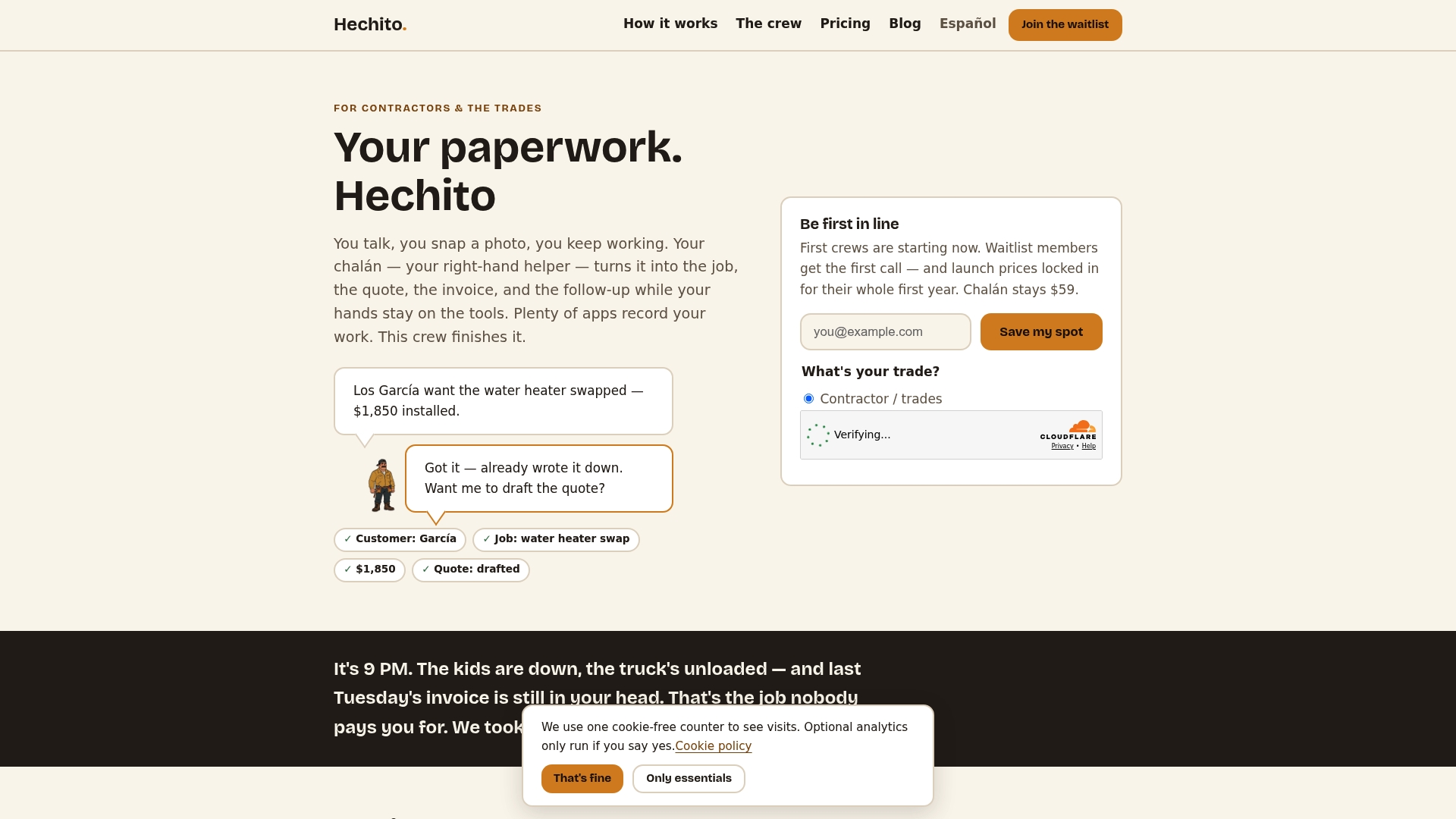
Hechito is built for contractors and tradespeople who want the sync to happen without extra typing. Chalán handles voice quotes and invoices from the job site, Lupita is a bilingual answering service for your business, and Godínez handles bookkeeping that matches the bank to your jobs. See how they work together on the Hechito crew page, or see how Hechito works: talk, snap, done.
If you want to see what the plans cost, the pricing page lists them. For field work specifically, start with the contractor invoicing and estimate app.
FAQ
What is field to office sync in construction?
It is the process of getting job-site information, such as approvals, materials, photos and changes, to the office records quickly and accurately. The goal is that quotes, invoices and job costs reflect what really happened on site. For a small contractor, the office is often just you, later that day.
What should I record on every job?
Record what the customer approved, what materials you used, and what follow-up work you recommended. Add the address, date, hours and photos. These details let you invoice correctly, restock, and quote the next job.
How often should the field and office sync?
Capture at the job every time, then review on a weekly rhythm. On longer projects, add a deeper monthly review. Change orders should be recorded the moment they are requested and billed once approved.
Do I need to type notes to keep records?
Not with Hechito. You can speak your notes and take photos on site, in English, Spanish or both, and they are organized into the job record without you retyping them later.
Sources
- ABC Field Tech Report: Bridging the Field-Office Divide
- FHWA: Return on Investment (ROI), PennDOT case study
- Construction Billing Software Integration Checklist
- Invoice Data Capture & AI Billing Software Services
Recommended
This is the paperwork Hechito does for you — while you talk.