Estimate to Invoice Workflow for Contractors: 7 Steps
Estimate to Invoice Workflow for Contractors: 7 Steps
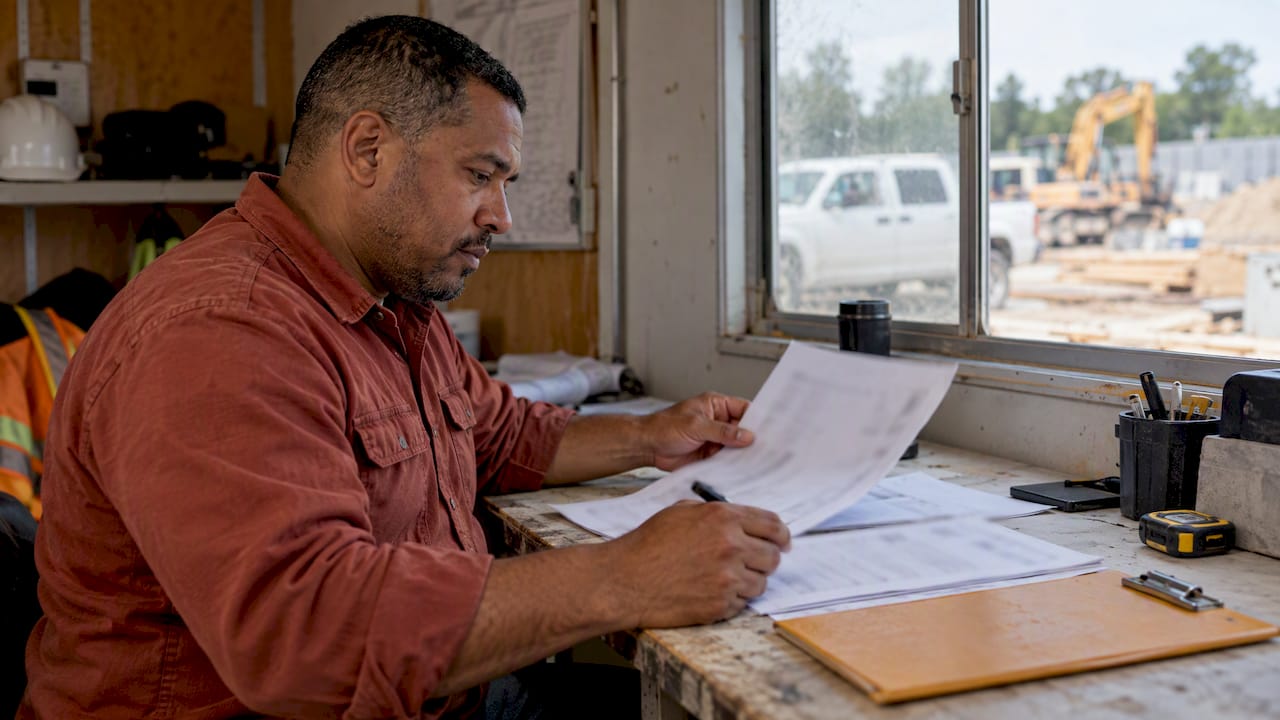
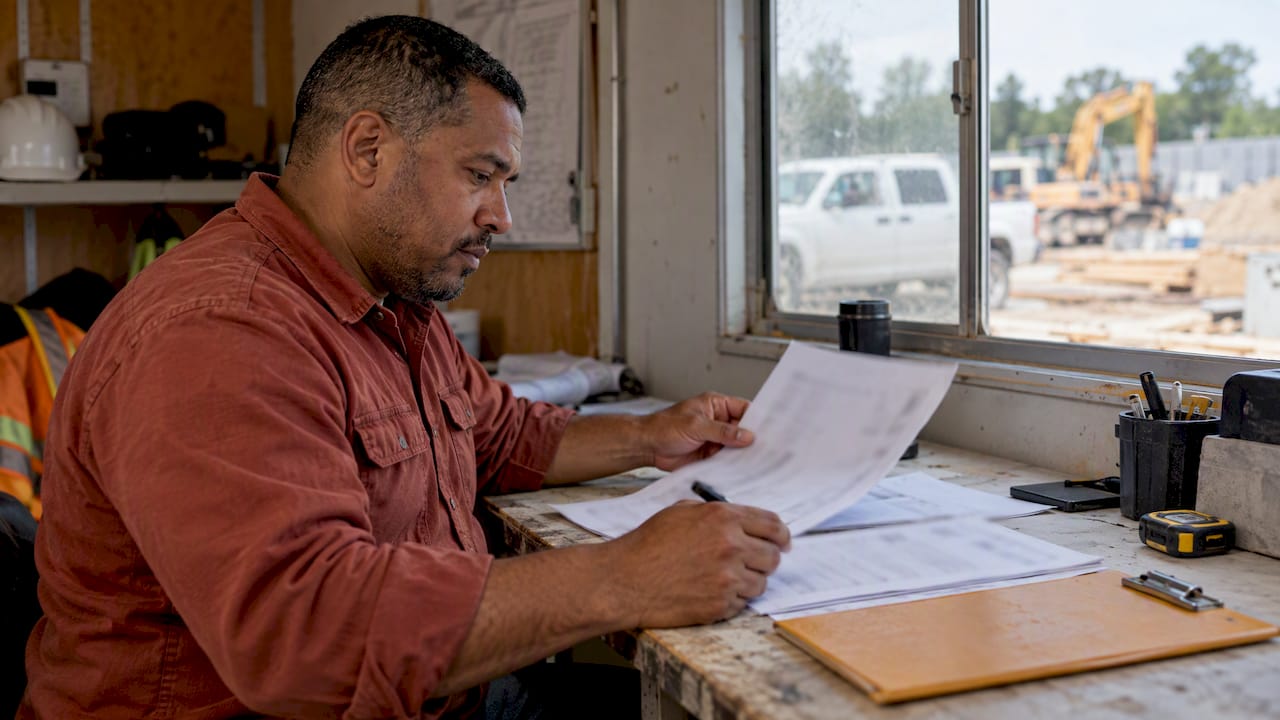
A good estimate-to-invoice workflow means you write the job down once and every later document pulls from that record. You scope the job, send a written estimate, get approval, log changes as they happen, and turn the approved numbers into an invoice the day the work is done. The steps are simple. What goes wrong is retyping, lost notes and invoices that go out a week late.
This guide walks through the full sequence for a contractor or tradesperson, with what to capture at each stage, how to handle changes, and where automation takes the typing off your plate.
Hechitohechito.comSpend Less Time on PaperworkHechito captures job details through voice and images, then automates the process from quoting to invoicing for contractors and tradespeople.Explore HechitoTL;DR
- Build one job record at the start: customer, address, scope, photos, prices. Estimate, change orders and invoice should all come from it.
- Get written approval before you start. A request for a price is not permission to do extra work, so confirm every change in writing.
- Invoice as soon as the work or the milestone is finished. Faster invoices support cash flow.
- Keep invoices, receipts and proof of payment organized. The IRS expects records that back up your books and tax return.
- Voice and photo capture, the way Hechito works, can fill the estimate and invoice for you so nothing gets retyped at night.
Table of Contents
- Estimate, invoice and receipt: what each one does
- The estimate-to-invoice workflow in 7 steps
- Where the workflow breaks (and what fixes it)
- Automating the estimate to invoice workflow
- Putting it to work with Hechito
- A quick checklist before you send any invoice
- FAQ
- Sources
Estimate, invoice and receipt: what each one does
These three documents often share the same customer details and line items, but each has its own job.
| Document | When it exists | What it does |
|---|---|---|
| Estimate (or quote) | Before work | Describes the scope and prices it so the customer can say yes or no |
| Change order | During work | Adds, removes or changes scope, price or time after approval |
| Invoice | After work or at a milestone | Requests payment for what was done |
| Receipt | After payment | Confirms the money arrived |
An estimate becomes an invoice when the customer has approved it and you have done the work it covers, or reached a billing milestone written into it. Nothing needs to be rebuilt at that point. The line items, quantities, prices and customer information should simply carry over, adjusted for approved changes.
If you are unsure whether to call your pre-job document an estimate or a quote, our guide on preventing estimate vs. quote disputes covers how the wording changes what the customer expects.
The estimate-to-invoice workflow in 7 steps
1. Document the job where it happens
The estimate is only as good as what you captured at the walkthrough. Take photos of the work area, note measurements, and write down what the customer actually asked for, in their words. The most common source of later disputes is a scope that lived only in someone’s head.
Do this on site, not in the truck at 7 p.m. With Hechito you talk and snap photos while you walk the job, and the notes are turned into organized records without typing. That is the first link in a workflow where nothing has to be entered twice.
2. Write an estimate the customer can approve
A useful contractor estimate has:
- Your business name and contact details, and the customer’s name and job address
- A scope of work that says what is included and what is not
- Itemized labor and materials, with quantities and unit prices
- Payment terms, including any deposit or milestone schedule
- How long the price is good for
- A place for the customer to approve or sign
The scope line is the one that protects you later. If you want a checklist for writing it, see our post on construction scope of work.
Put the estimate in writing. The U.S. Small Business Administration advises people hiring contractors to get the estimate in writing and insist on a written contract, so customers who have read that advice will expect it from you.
If your customers are on their phones all day, sending the estimate by text is often the fastest route to a yes. Our templates for texting estimates to clients show how.
If some of your customers or crew speak Spanish, the estimate should be in the customer’s language. Hechito works in English and Spanish, and you can speak either or both while the document is generated in the language the customer needs. More on that in dual-language estimates from voice and photos.
3. Get approval and lock the numbers
Approval is the moment the estimate becomes the agreement. A text reply, an e-signature or a signed page can all work, as long as it is saved with the job. Record who approved it, when, and which version they saw.
Once approved, treat the numbers as the baseline. Everything after this point is either a change to that baseline or the invoice built from it. Do not edit the approved estimate quietly. If something changes, it gets its own document.
4. Handle changes with a written change order
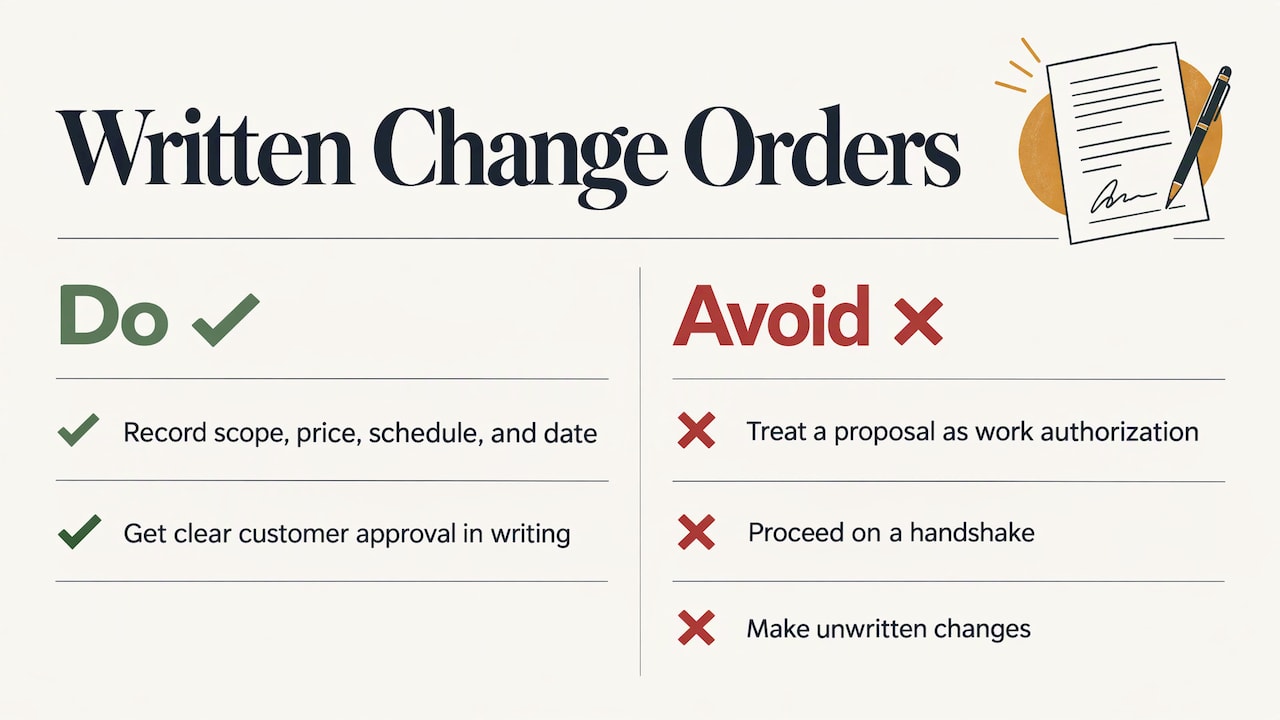
Scope changes are where estimate-to-invoice workflows break. The customer asks for one more outlet, you find rotted framing, the tile they picked is backordered. If you do the work on a handshake and then add it to the final invoice, you are inviting an argument.
The construction-industry guidance is consistent. A contracts bulletin from SMACNA, the sheet metal and air conditioning contractors’ association, explains that a proposed change is not authorization to perform extra work. Once the parties accept the proposal, a written change order modifies the original agreement and sets the agreed price and time. The bulletin also recommends avoiding informal or unwritten changes.
For a small job, that can be one page or one text thread with a clear “yes, approved” from the customer. What matters is that the change has a description, a price, any effect on the schedule, and a date. Two guides on our site go deeper: the change order process, step by step and what to record in change order documentation.
5. Keep proof while you work
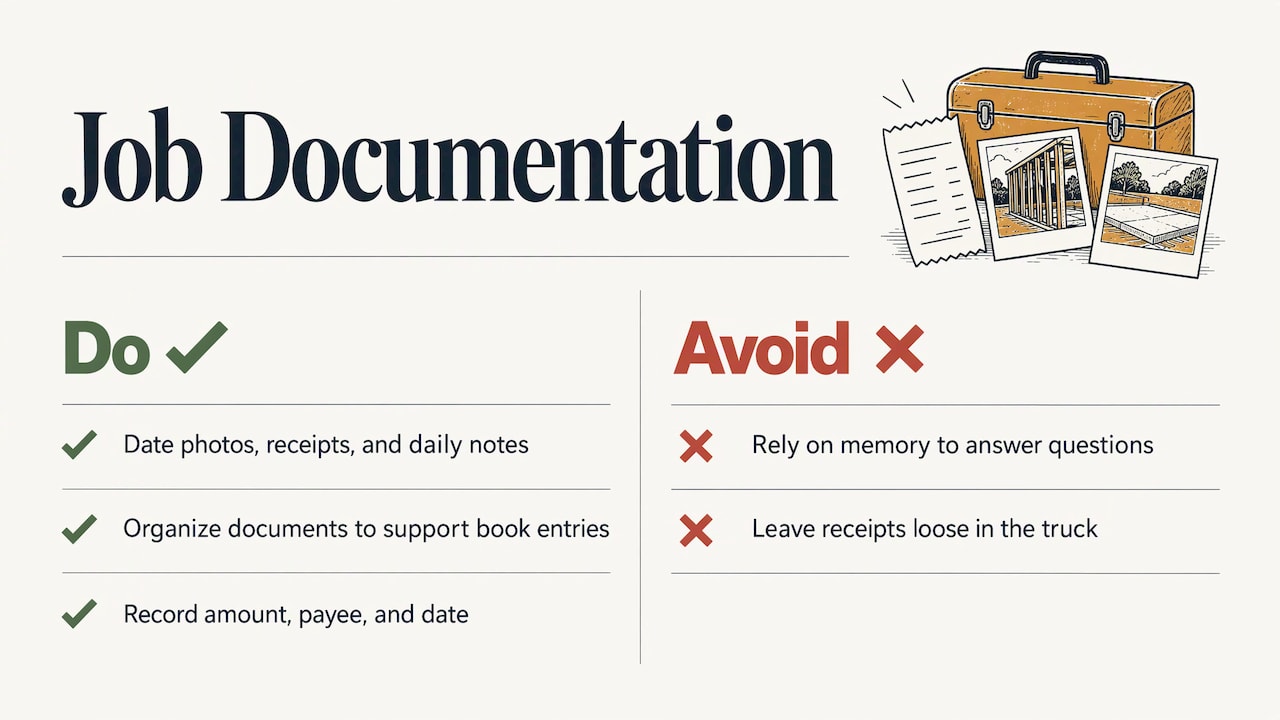
Photos with dates, material receipts and notes on what was done each day are the evidence behind your invoice. If a customer questions a line, you answer with the record, not with memory.
This also matters for the taxman. The IRS says businesses should keep supporting documents such as sales slips, paid bills, invoices, receipts, deposit slips and canceled checks, organized so they support the entries in your books and on your tax return. Its Publication 583 adds that proof of a business expense should show the amount, the payee and the date, supported by invoices or credit card slips.
The practical point: a receipt photographed at the supply counter and attached to the job on the spot is worth far more than a pile in the truck’s door pocket. Hechito is built to manage receipts and bank reconciliation alongside the quoting and invoicing, so job costs stay with the job they belong to. For a broader look at how reconciliation ties payments to your records, this walkthrough of payment reconciliation step by step is a handy companion.
6. Convert the approved estimate into the invoice
This is the step the whole workflow exists for. When the work or milestone is done, the invoice should be built from the approved estimate plus any approved change orders. Check that these carry over:
- Customer name, billing address and job address
- Every approved line item with its quantity and price
- Approved change orders, listed separately so the customer can see why the total moved
- Taxes where they apply to your work and state
- Deposits or progress payments already received, subtracted clearly
- Payment terms, due date and how to pay
- The job or reference number that ties it to the estimate
If you are billing in stages, tie each invoice to a milestone in the estimate rather than to a date you made up. Our post on construction payment schedules and verifying draws with field photos shows how photos back up each draw.
The payment terms on the invoice deserve their own care. A vague due date or a missing detail gives a customer or a general contractor’s accounts payable office a reason to bounce it. Our contractor payment terms checklist lists what to include.
7. Send, track and follow up
Send the invoice the same day. The SBA’s guidance on cash flow lists issuing invoices immediately, offering early-payment discounts and putting follow-up systems in place for collection as ways to improve cash flow. For contractors, that is the difference between getting paid this week and getting paid next month.
Then track it. Know which invoices are sent, viewed, due and overdue, and have a standard sequence for reminders so you are not deciding each time whether it is awkward to ask. If an invoice slips past due, this step-by-step overdue invoice collection plan gives you the order of contact. For the bigger picture, see how contractors keep money moving. If you also sell on supplier credit and want to understand how terms like Net 30 work on the other side of the ledger, this guide to getting Net 30 accounts that report explains the basics.
Where the workflow breaks (and what fixes it)
| Problem | What it looks like | Fix |
|---|---|---|
| Retyping | Estimate in one app, invoice in another, same numbers typed twice | One job record that feeds both documents |
| Verbal changes | “You said it was included” at final billing | Written change order before the extra work |
| Late invoices | Bills go out on Friday night, or the next Friday | Invoice at completion or milestone, from the field |
| Missing paperwork | Receipts and photos scattered across phone, truck and email | Capture to the job as you go |
| Silent follow-up | No reminder until the customer is 45 days late | A set reminder schedule |
Notice that none of these are knowledge problems. Most contractors know they should invoice promptly and write down changes. The trouble is that after ten hours on a roof or under a sink, typing is the last thing anyone wants to do. A workflow that depends on evening admin fails exactly when you are busiest, which is also when you most need the cash.
Automating the estimate to invoice workflow
Automation here means the software does the transfer and the typing, not that you lose control. A sound setup does five things:
- Captures the job details when they happen, from voice and photos.
- Turns them into a structured estimate with line items.
- Keeps the approved version and every change attached to the same job.
- Builds the invoice from that record, with no re-entry.
- Sends reminders and logs payments.
Hechito is designed around that sequence. You talk through the job and take pictures, and the platform organizes the notes, builds the estimate, sends it, and carries the details through to the invoice. It also chases payments and handles receipts and bank reconciliation. You can see the flow on the how Hechito works page.
Our perspective
Most paperwork tools ask you to do the work twice: do the job, then describe the job to an app. We think that is backwards. The conversation with the customer, the photo of the damaged drywall and the number you say out loud in the truck already contain the estimate and the invoice. Our job is to catch that information at the moment it exists and keep it attached to the job.
That is why Hechito works from voice and photos in real time, in English and Spanish, and why we built it as a set of virtual co-workers rather than another place to type. The goal is simple: no end-of-day paperwork, no forgotten extras, and an invoice that goes out while the customer still remembers how good the work looks.
Many crews work in two languages. A contractor should be able to speak the way they think and hand the customer a clean document in the language the customer reads. We built for that from day one.
Francisco
Putting it to work with Hechito
If your estimates, change orders and invoices live in three places, or in your head until night, the quickest fix is a single flow from the first walkthrough to the final payment. Hechito’s virtual co-workers, Chalán, Lupita and Godínez, cover field, phone and bookkeeping tasks, so the paperwork follows the job instead of waiting for you. See how the invoicing and estimate app for contractors works, or look at the crew options.
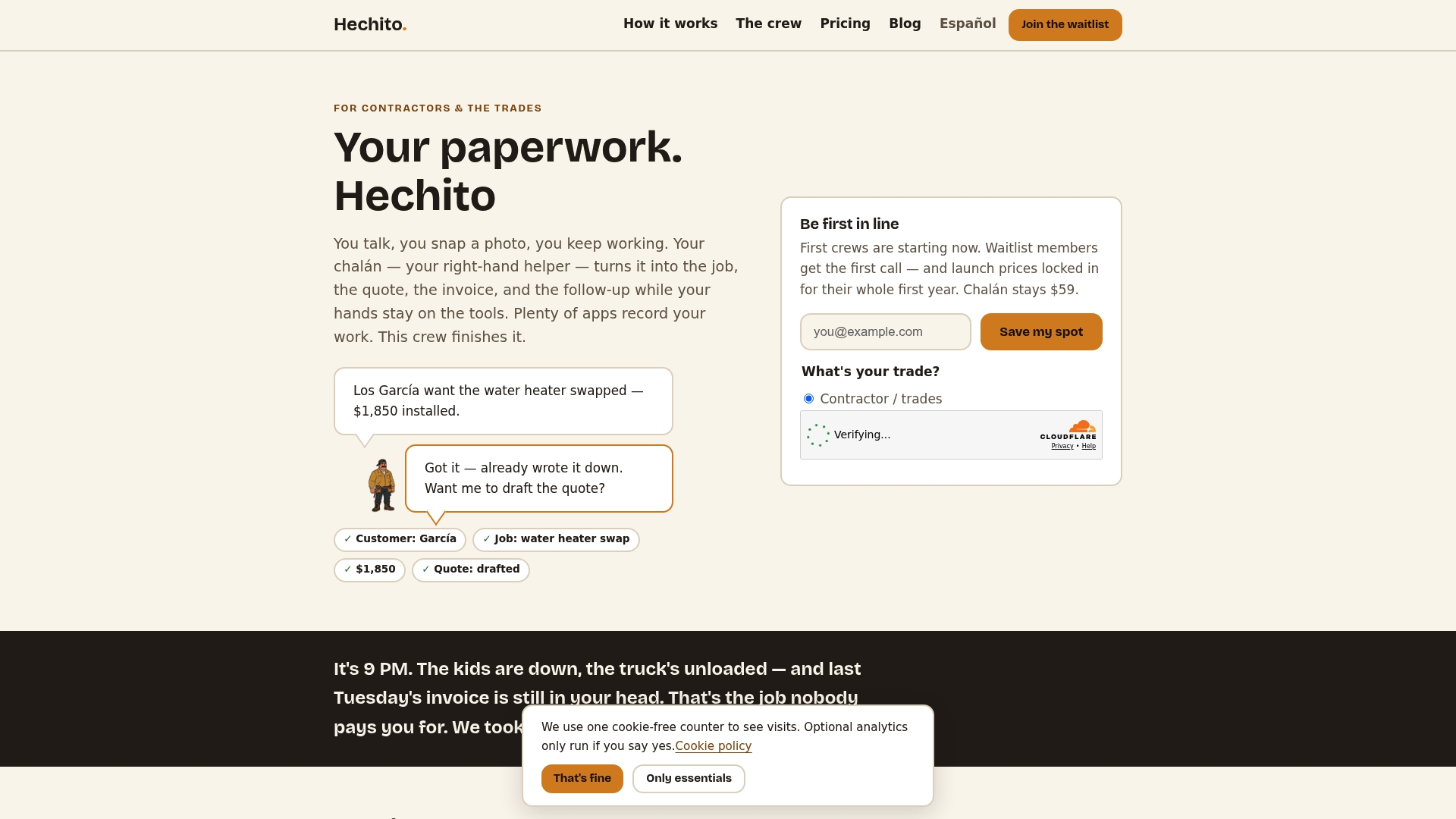
Talk through the job, snap the photos, and let the estimate and invoice build themselves from there.
A quick checklist before you send any invoice
- Does it match the approved estimate plus approved changes, line by line?
- Are deposits and earlier payments subtracted?
- Are the customer’s name, job address and reference number right?
- Is the due date clear, with the way to pay?
- Are photos or receipts attached to the job in case the customer asks?
- Is the language right for the person who will read it?
Run through those six and most rejected or disputed invoices never happen.
FAQ
Can an estimate be an invoice?
Not on its own. An estimate prices work before it is done, and an invoice asks for payment after work or at a milestone. The best practice is to convert the approved estimate into an invoice so the line items carry over, adjusted for any approved changes.
What should carry over from an estimate to an invoice?
Customer and job details, the approved line items with quantities and prices, approved change orders, taxes, payment terms, and any deposits already paid. A job or reference number linking the two documents helps both you and the customer.
When should I send the invoice?
As soon as the work or the agreed milestone is complete. The SBA lists issuing invoices immediately as one way to improve cash flow, and a same-day invoice is easier for the customer to approve while the job is fresh.
What if the customer asks for extra work mid-job?
Write it up before you do it. Describe the change, give the price and any effect on the schedule, and get the customer’s approval in writing. Then add it to the invoice as a separate line so the total makes sense.
Do I need to keep copies of estimates and invoices?
Yes. The IRS says businesses should keep supporting documents such as invoices, receipts and canceled checks so they back up the entries in the books and the tax return. Keeping them with the job record makes them easy to find.
Sources
- SBA: How Net 30 Accounts Help Conserve Business Cash Flow
- SBA: How to avoid disaster recovery scams
- SMACNA Contracts Bulletin #98: Change Orders and Extra Work
- IRS: What kind of records should I keep
- IRS Publication 583 (Rev. January 2021)
Recommended
This is the paperwork Hechito does for you — while you talk.

On iPhone? Coming very soon to the App Store.