Construction Voice Documentation: Turn Job Site Talk Into Records
Construction Voice Documentation: Turn Job Site Talk Into Records
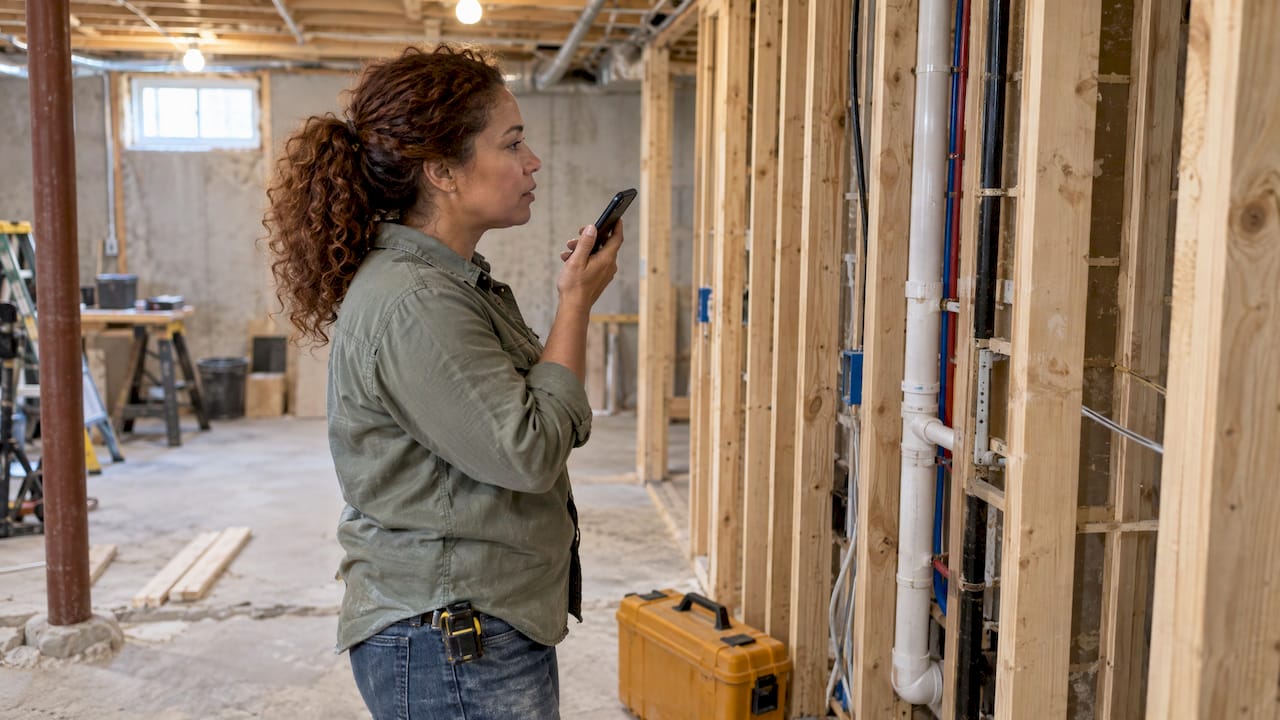
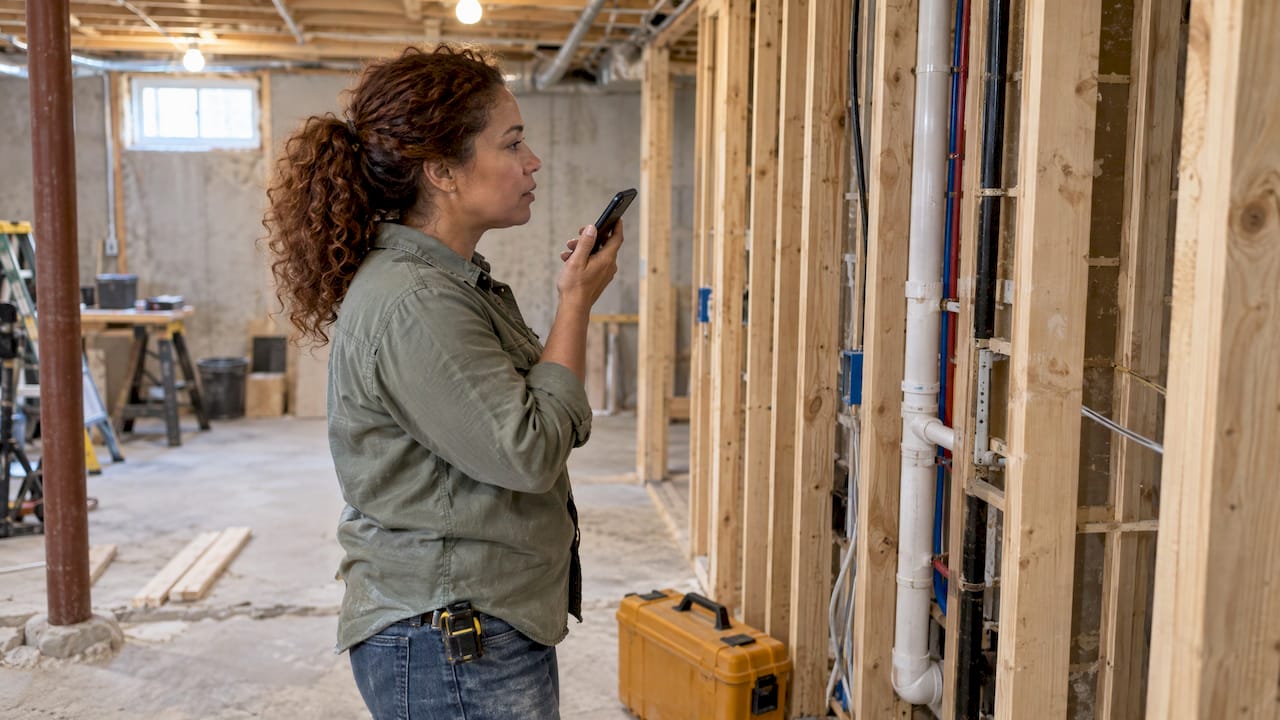
Construction voice documentation means you speak the job record instead of typing it: what you found, what the customer approved, what changed, what you used. The best version does not stop at a recording. It turns what you said into a filed note, a daily log entry, an estimate line or an invoice item, tied to the right job. That is how Hechito works: you talk and snap photos on site, and the paperwork, from quote to invoice, is built from it in English, Spanish or both.
This guide covers what to capture by voice, how to keep voice notes organized by job, what to check on recording laws and recordkeeping, and how to turn notes into money.
Hechitohechito.comTurn Job Site Talk Into PaperworkHechito captures conversations and job details through voice and images, then organizes records from quoting to invoicing in English or Spanish.VisitTL;DR
- Voice notes work on a job site because your hands are busy and your memory is freshest on the spot. Speak it at the moment, not at 9 p.m. at the kitchen table.
- A raw recording is not a record. It needs a job, a date, a trade and a next action attached, or you will never find it again.
- Photos plus a spoken sentence beat either one alone: the photo shows the condition, the voice says why it matters.
- Know your state’s recording-consent rules before you record customer calls or conversations, and ask first.
- The notes only pay off when they flow into estimates, change orders and invoices without retyping.
Table of Contents
- Why voice beats typing on a job site
- What to capture as voice notes
- A simple way to speak a note
- How to organize voice notes so you can find them
- Recording laws: ask before you record people
- Recordkeeping: how long to keep the notes
- Accuracy: how to keep transcripts trustworthy
- Reviewing, sharing and following up
- From voice note to estimate to invoice
- How to start this week
- Perspective
- Put a virtual coworker on the paperwork
- FAQ
- Sources
Why voice beats typing on a job site
Types of paperwork pile up for the same reason: the work happens in the field and the writing happens later. By evening you are reconstructing the day from memory, and the details that get lost are the ones that cost money: the extra hour the customer asked for, the hidden rot behind the tile, the verbal “go ahead” on a change.
Speaking solves three practical problems.
- Gloves, dust and ladders. You cannot type with plaster on your hands. You can talk.
- Speed. Most people speak far faster than they type on a phone screen, so the note actually gets made.
- Timing. A note made while looking at the problem is specific. A note made at night is a summary.
There is also a reason beyond convenience. Daily records are what you lean on when a customer disputes a charge, an inspector asks what was done, or a payroll or claim question comes up. If you want the field-by-field detail on that, our guide to daily construction logs for payroll and claims lists what a log should hold.
What to capture as voice notes
Not everything deserves a recording. Think of the notes that protect your money and your reputation.
Conditions you find on arrival
Existing damage, water stains, uneven framing, an outdated panel, a customer’s prior repair. Say where it is, what it looks like and that it was there before you started. Pair it with a photo.
Customer decisions and changes
“Mrs. Alvarez approved moving the outlet to the east wall, adds about two hours and a box.” Say who, what, when and the rough cost effect. This one sentence can become a change order line.
Time, materials and equipment
Crew on site, hours, materials used, rentals, receipts you picked up. Reading them out as you go is quicker than sorting a receipt pile on Friday.
Delays and site issues
Weather, a late delivery, no access, another trade in your way. Delays you documented the day they happened are far easier to defend than delays you remember later. Our site diary guide covers what to record and why.
Safety and inspection moments
Toolbox talk topics, a near miss, an inspector’s comments. Record the facts, not opinions.
Customer conversations
Scope discussions, preferences, promises made on both sides. A written summary of the talk is usually what you need, and our post on client communication logs explains what to put in one.
A simple way to speak a note
Structure keeps a voice note useful. Use the same five beats every time:
- Job: customer or address.
- Date and place: “Tuesday, upstairs bathroom.”
- What happened or was found: one or two plain sentences.
- Who decided or approved what: names, not “they.”
- What happens next: “Order the vanity, return Thursday.”
The whole note takes 20 to 30 seconds. The fifth beat matters most, because it turns a note into a task.
If you work with Spanish-speaking crews or customers, speak in the language you think in. Hechito is bilingual: you can talk in English, Spanish or both, and the documents come out in the language the recipient needs. Our post on dual-language estimates from voice and photos shows how that plays out in a quote.
How to organize voice notes so you can find them
A phone full of unnamed recordings is a junk drawer. Three habits fix it.
Tie every note to a job at the moment of recording. If the file has no job attached, it will not be found when the dispute comes. Notes filed under the customer and project from the start are the ones you can pull up in seconds.
Keep a transcript, not just audio. Nobody wants to replay 40 minutes of audio to find one sentence. Text is searchable by customer name, material or date.
Pair notes with photos. A photo of the condition and a spoken sentence about it belong together. For what a good photo record looks like, see our guide to construction photo documentation rules.
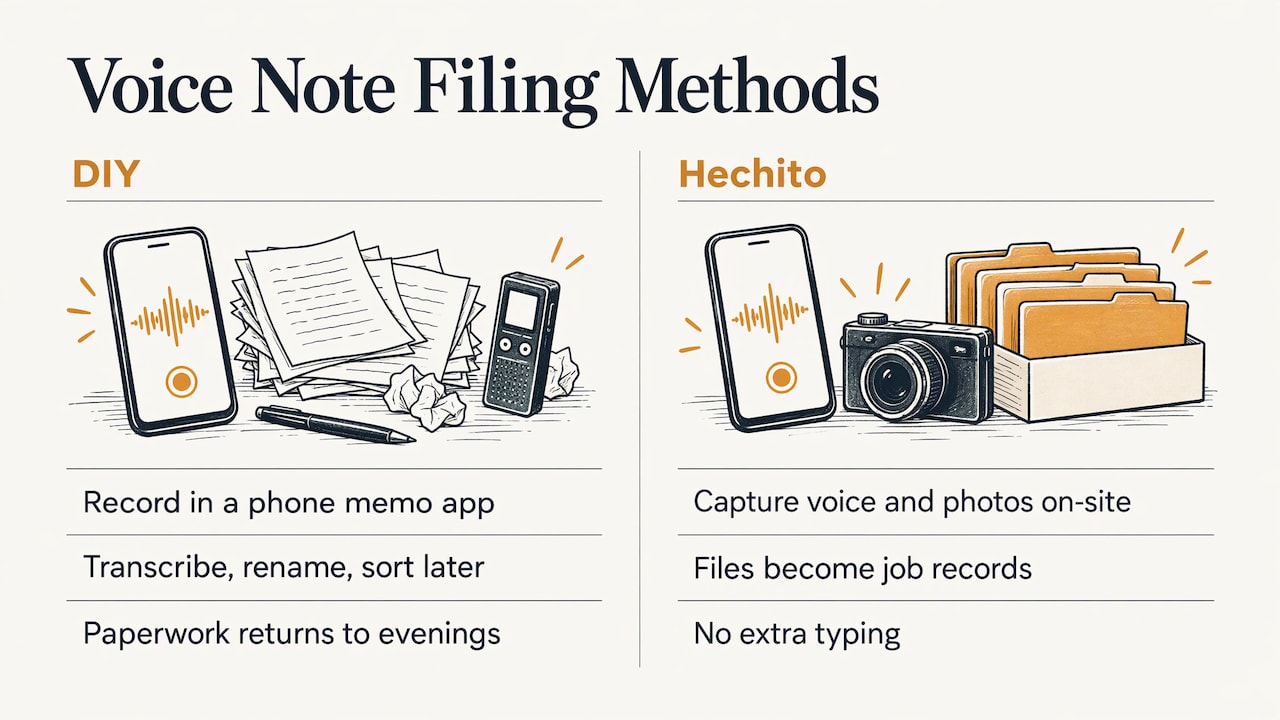
The usual do-it-yourself route is to record in a phone memo app, then transcribe, rename and sort later. That puts the paperwork back in your evening, which is the thing you were trying to get rid of. With Hechito, capturing voice and photos on the job is the filing: the notes are organized into job records as you work, with no extra typing.
Recording laws: ask before you record people
This is a safety-and-legal point worth getting right. Recording yourself dictating a note is fine. Recording another person’s call or conversation is governed by state law, and states differ.
Many states allow recording if one party to the conversation consents, which can be you. Others require everyone’s consent. A 50-state survey from Justia shows, for example, that California and Pennsylvania are all-party consent states, and Nevada treats in-person conversations and phone calls differently. Because the rule depends on where you and the customer are, and the law changes, check the current rule for your state.
The practical habit is simple: tell people you are taking notes by voice and get a yes. And in most cases you do not need the customer’s voice at all. Dictate your own summary of what was agreed. It is cleaner, shorter and avoids the question. If a recording ever becomes part of a legal dispute, talk to a construction attorney in your state.
Recordkeeping: how long to keep the notes
Job records are your protection after the job is done. A common planning rule is to keep project records at least as long as your state’s construction-defect statute of repose, the legal deadline after which a defect claim can no longer be brought. One records retention guide notes this is commonly 6 to 10 years after substantial completion, and 10 or more in states such as California, Florida and Texas. Your state, your contract type and your tax adviser may set a different answer, so confirm locally.
The point for voice documentation: a note you cannot find in year five is not a record. Keep notes tied to jobs, in one place, with dates.
Accuracy: how to keep transcripts trustworthy
Speech-to-text is good, not perfect. Noise, accents, trade jargon, brand names and numbers are where mistakes sneak in. A few habits keep records clean:
- Say numbers slowly and twice when they matter. “Three-quarter inch, 3/4 inch.”
- Spell unusual names or part numbers once.
- Step away from the saw. Record in the quiet moment, not next to the grinder.
- Review before it goes to a customer. A quick read of an estimate or invoice before sending catches the odd word.
For daily reports that need to hold up, our post on writing a construction daily report shows the level of detail to aim for.
Reviewing, sharing and following up
Notes that nobody reads are not documentation. If you run a crew, build a short rhythm:
- End of day, two minutes. Scan the day’s entries. Anything with an open “next” becomes tomorrow’s task.
- Share what the office needs. Hours, materials and approved changes should reach whoever invoices without a phone call. Our post on field-to-office sync explains how to keep jobs and invoices aligned.
- Close the loop with the customer. A short written recap of what was agreed that day prevents the “I never said that” conversation. Crew habits like this get easier when everyone follows one shared routine, and this team collaboration guide covers the adoption side.
Voice also works at the front end of your day. Calls you cannot answer on a ladder can become written messages and leads you act on; a walkthrough of a voicemail-to-text workflow shows the idea.
From voice note to estimate to invoice
This is where voice documentation earns its keep. The same words you spoke on site contain the scope, the materials and the hours. If they stay in a notes app, you retype them into an estimate, retype them again into an invoice, and then chase the payment.
Hechito is built to skip that. According to the way the product is designed, it captures customer conversations and job details in real time through voice and images, then carries them through quoting, invoicing, sending estimates and invoices, chasing payments, and managing receipts and bank reconciliation. The aim is less end-of-day paperwork and faster payment. You can see the flow on the How Hechito works page.
If you want the bigger picture on cutting admin without losing the record, read how contractors reduce paperwork without losing records.
How to start this week
You do not need to change everything at once.
- Pick one job. Use voice notes only there for a week.
- Use the five beats. Job, place, what happened, who approved, what’s next.
- Add a photo to every note that involves a condition or a change.
- Read the day’s notes for two minutes before you leave.
- Turn the notes into the estimate or invoice the same day, while it is fresh.
By Friday you will know how much evening time came back.
Perspective
Most paperwork tools ask you to do the work twice: once on the job and once again in an app. We think that is backwards. You already say everything that matters out loud, to the customer, to your crew, to yourself.
So we built Hechito around the idea that talking and taking photos should be the paperwork. Voice and images captured on site become organized records, and those records flow into estimates and invoices. Because so many crews work in both English and Spanish, we made the service bilingual from the start, so you can speak either or both and the document comes out in the language it needs.
The goal is simple: you finish the job, and the paperwork is already done, with no detail left behind.
Francisco
Put a virtual coworker on the paperwork
Hechito’s crew options, Chalán, Lupita and Godínez, work as virtual coworkers for field, phone and bookkeeping tasks. Chalán turns what you say and photograph on site into quotes and invoices; see Chalán for how that looks in practice, or compare all three on the crew page. Pricing is published openly on the pricing page.
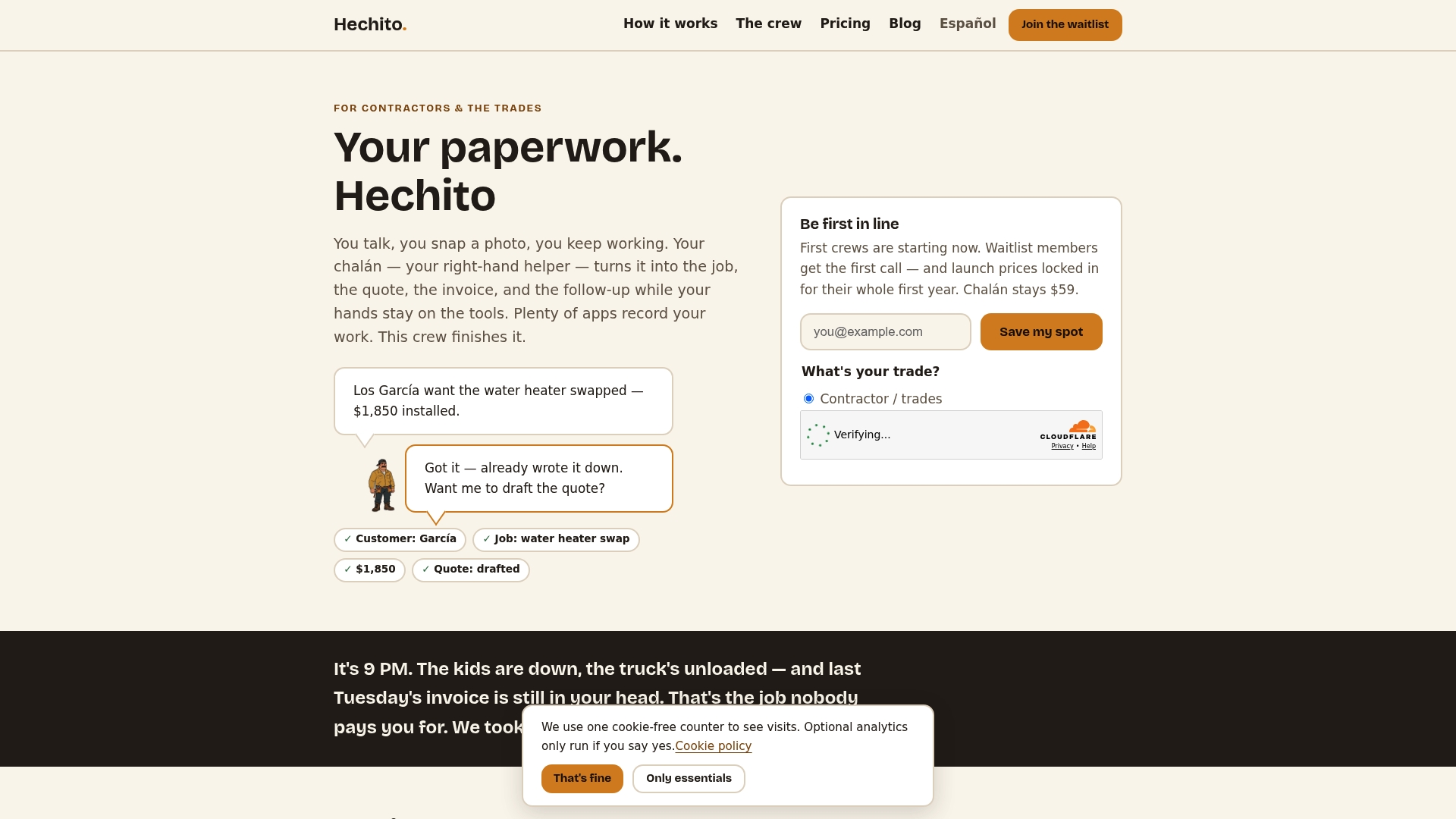
If you would rather start from a message than an app, you can also text Hechito. And for the full picture of what the platform does for trades, visit the contractor page.
FAQ
What is construction voice documentation?
It is the practice of recording job information by speaking it, then having it transcribed and filed as a job record. Done well, the notes are tied to a customer, a date and a task, and can feed estimates, logs and invoices.
What should I say in a voice note on site?
Give the job, the place, what you found or did, who approved any change, and what happens next. Twenty to thirty seconds is enough, and adding a photo makes the note stronger.
Can I record a customer’s voice?
Recording laws vary by state. Some require only one party’s consent, others require everyone’s. Tell the customer you are taking notes and get their agreement, or dictate your own summary of what was agreed. For a legal dispute, see an attorney in your state.
How long should I keep voice notes and job records?
A common rule of thumb is to keep records at least as long as your state’s construction-defect statute of repose, often 6 to 10 years after completion and longer in some states. Confirm your state’s period and your contract terms.
Sources
- Recording Phone Calls and Conversations: 50-State Survey (Justia)
- Construction Document Retention Schedule
- Best Practices for Team Collaboration: Step-by-Step Guide
- Voicemail to Text Automation: Set Up Your Workflow
Recommended
This is the paperwork Hechito does for you — while you talk.